Convert anything. Offline, obviously.
Documents, images, audio, video – one app instead of five browser tabs and a login screen. Your files stay on your machine. Not "we promise," actually.
What's inside
Everything, one window
No browser tabs. No accounts. No uploads. Drag a file, pick a format, done.
100% Offline
Your files never leave your machine. No telemetry, no internet required, no exceptions — not even mid-conversion.
Batch Processing
Drop an entire folder and convert everything at once. Built for the day you have 30 PNGs that all need to become JPEGs.
Auto Dark / Light Mode
Reads your Windows theme and switches instantly. Matches whatever you've already got on, no toggle needed.
Statistics Dashboard
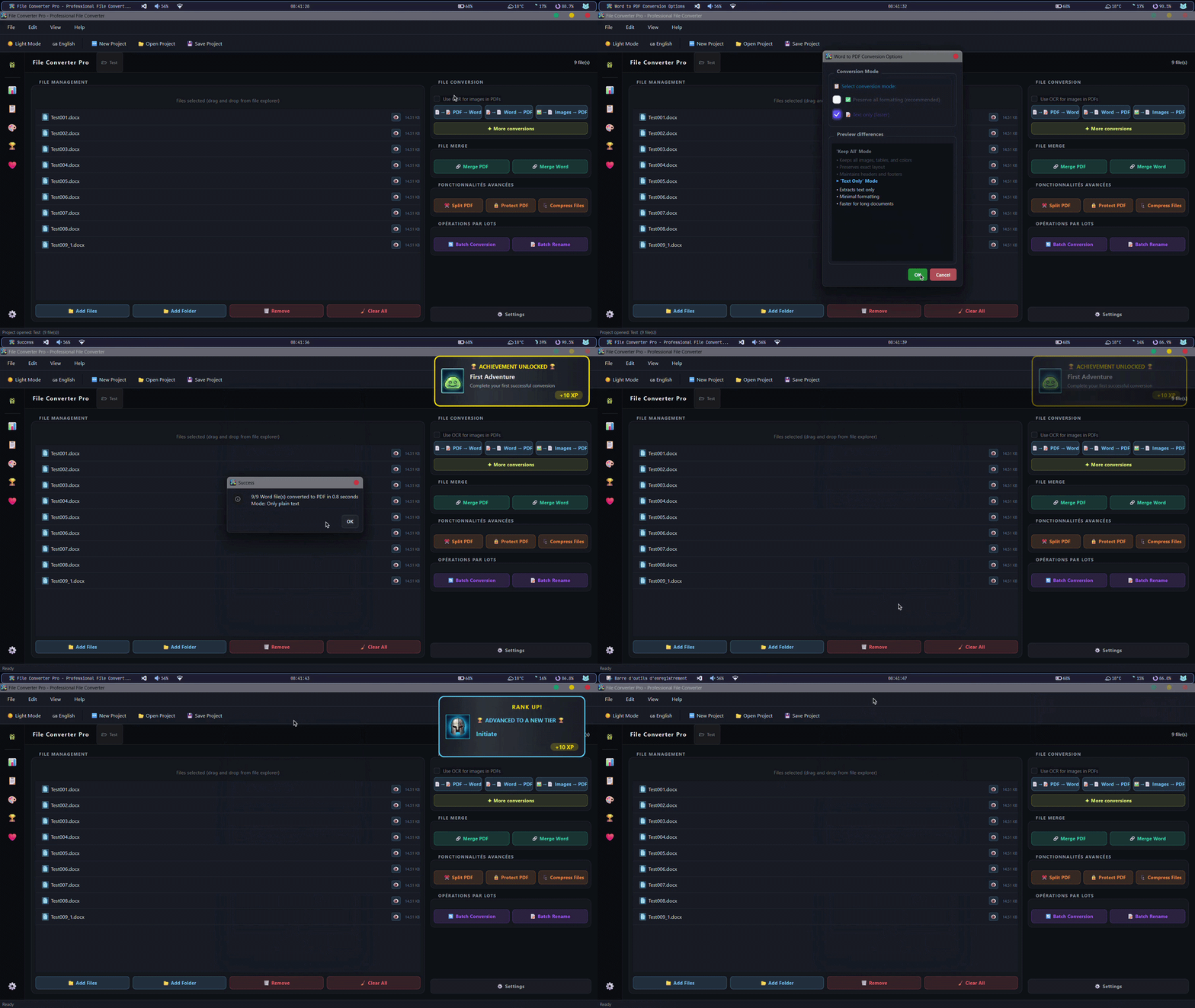
Animated charts track your conversion history, volume over time, and which formats you actually reach for.
Achievements
Streaks, milestones, little animated unlocks. Entirely optional, turn it off in Settings if you just want the converter.
Windows Context Menu
Right-click any file in Explorer → Convert with FCP. The app opens, converts, and closes on its own.
Multi-Engine Fallback
Chains FFmpeg, LibreOffice, Pandoc, and native libraries. If one tool isn't installed, the next one quietly picks up.
Project Files
Save a conversion setup as .fcproj. Double-click later and the whole session comes back exactly as you left it.
Multi-Language
Ships with French and English. Add any other language by dropping a .lang JSON file — no coding required.
Supported formats
What it converts
Documents, images, audio, video, all handled from one window.
All conversions go through Pillow at maximum quality, EXIF metadata preserved.
Powered by FFmpeg. Needs FFmpeg installed on your machine — FCP detects it automatically.
Powered by FFmpeg. Needs FFmpeg installed on your machine — FCP detects it automatically.
How it works
Four steps, nothing clever
Download & Run
The installer sets up shortcuts and the context menu on its own. Prefer no install? Grab the portable .zip instead – under a minute either way.
Add Your Files
Drag them onto the window, onto the exe itself, or right-click in Explorer. Whichever feels natural.
Pick a Format
Select the output format and hit Convert. Batch mode works exactly the same way, just with more files.
Done
Converted files land in your output folder. Turn on Windows notifications if you want a ping when a big batch finishes.
Vs. the alternatives
Where it actually fits
Online tools are fine for a one-off conversion. FCP is for people who convert files often and are tired of re-uploading them somewhere.
| File Converter Pro | CloudConvert / Zamzar | HandBrake | Format Factory | PDF24 | |
|---|---|---|---|---|---|
| Offline / no upload | |||||
| Documents | PDF only | ||||
| Images | |||||
| Audio & Video | Video only | ||||
| Free, no limits | 25/day free tier | ||||
| System-aware dark/light theme | N/A | ||||
| Conversion history & stats |
solo
Built by one person, between classes
FCP is a solo project I work on alongside my studies. No team, no company, just me improving a tool I actually use myself. If it saves you time, a coffee or a star on GitHub genuinely helps.
Ready to stop uploading your files?
One download. No account. No expiry. Runs on your machine for as long as you want it to.